Enterprise Automation Modernization via UiPath to Power Automate Migration
 0|
0| 0
0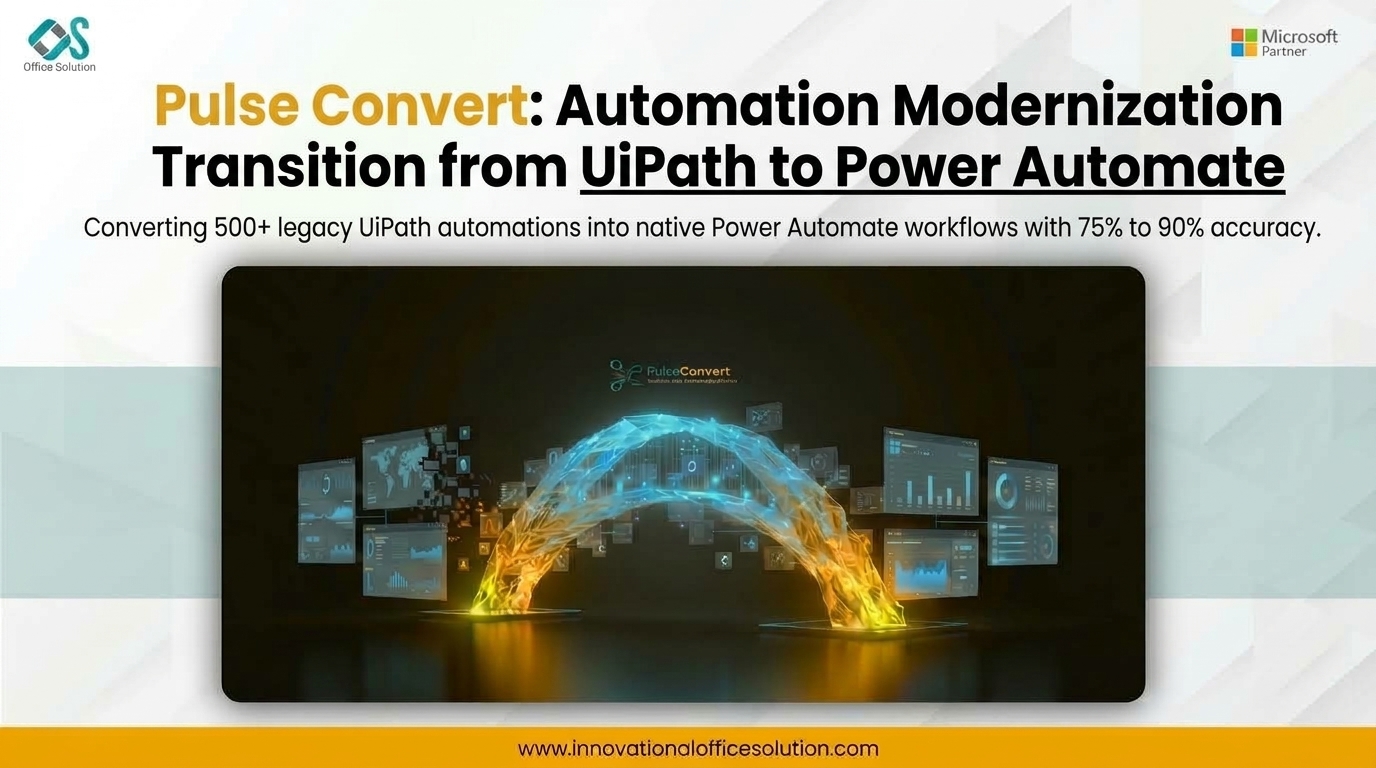
Table of Contents
Executive Summary and Client Background
A multi-national financial services provider relied heavily on legacy Robotic Process Automation (RPA) infrastructure to execute daily operational tasks across retail banking, fraud detection, and regulatory compliance. Over seven years, their digital workforce grew to encompass 180 active unattended bots and 320 attended bots deployed across dozens of Virtual Desktop Infrastructure (VDI) instances.
The primary challenges stemmed from platform fragmentation and scaling expenses. Maintaining standalone UiPath Orchestrator server instances, paying per-bot runtime license fees, and supporting heavy VDI footprint costs generated significant financial overhead. Furthermore, because these automations were built primarily around UI selectors and desktop automation, brittle interfaces frequently broke during routine software updates, causing operational delays and requiring constant developer intervention.
To lower total cost of ownership (TCO) and modernize toward an API-first automation model, leadership initiated a comprehensive enterprise effort focused on migrating from UiPath to Power Automate. The primary business goals were consolidating licensing within their existing Microsoft 365 and Azure enterprise agreements, reducing infrastructure footprint, and building event-driven cloud flows.
Technical Challenges Pre-Migration
Before initiating the project, the client's automation Center of Excellence (CoE) conducted a thorough architecture review that highlighted key conversion obstacles:
- Embedded Scripting Logic: Hundreds of workflows relied on embedded VB.NET and C# expressions inside .xaml project files for complex string manipulation, array processing, and JSON parsing.
- Brittle Desktop Selectors: Legacy automations relied heavily on dynamic UI selectors for legacy desktop applications rather than native API calls, making workflows fragile when target applications updated.
- Orchestration and Queue Dependencies: High-volume transaction workflows were tightly coupled with UiPath Orchestrator Queues, Asset vaults, and credential stores that needed direct mapping to Microsoft Entra ID and Power Automate Environment Variables.
The Migration Framework: Pulse Convert & UiPath to Power Automate Accelerator
To avoid the cost and risk of rebuilding 500+ bots manually, the implementation team deployed Pulse Convert alongside the specialized UiPath to Power Automate Accelerator.
Instead of treating the initiative as a manual "re-code from scratch," the engineering team used Pulse Convert to deconstruct legacy XML/XAML definitions, map variable scopes, and automatically reconstruct native cloud flows and Power Automate Desktop (PAD) actions.
During initial portfolio parsing, Pulse Convert achieved an 82% automated conversion accuracy, falling precisely within its baseline 75 to 90% accuracy operational range. The tool automatically parsed XAML structure, translated standard activity nodes into Power Automate actions, and converted core VB.NET data manipulations into Power Fx expressions or cloud flow syntax. The remaining 18% required manual refactoring for complex custom inline C# code and niche surface-automation routines.
Step-by-Step Implementation Methodology
The transformation followed a structured 5-stage migration architecture executed over a 14-week engagement:
Stage 1: Portfolio Discovery and Bot Rationalization [Weeks 1-2]
The project began with an audit of the entire UiPath Orchestrator database. The team categorized bots into Simple, Medium, and Complex tiers while identifying "Zombie Bots"—automations that were inactive, duplicated, or redundant. This rationalization phase reduced the total migration target volume from 500 down to 340 active core workflows.
Stage 2: Target Governance and Environment Readiness [Weeks 3-4]
The team established the target Microsoft Power Platform environment topology. Enterprise Security policies, Data Loss Prevention (DLP) rules, Azure Key Vault integrations, and On-Premises Data Gateways were deployed. Credential stores and UiPath Assets were mapped to Power Automate Environment Variables and Azure Key Vault secrets.
Stage 3: Automated Logic Parsing via Pulse Convert [Weeks 5-8]
The UiPath to Power Automate Accelerator was executed against the client's source code repositories:
- XAML & Selector Parsing: Pulse Convert extracted dynamic UI tags from UiPath selectors, converting them into stable Power Automate Desktop UI markers.
- Expression Conversion: The Pulse engine translated complex VB.NET string operations, date arithmetic, and collection manipulations into Power Fx and native cloud flow expressions.
Stage 4: API Modernization and Fine-Tuning [Weeks 9-11]
Engineers handled the remaining 18% of edge cases. Rather than replicating screen-scraping logic line for line, the team modernized legacy UI interactions into API-first flows using native Microsoft 365, SAP, and Salesforce connectors. Where legacy applications lacked modern APIs, UI steps were encapsulated within optimized Power Automate Desktop flows.
Stage 5: Pilot Validation, Testing, and Production Cutover [Weeks 12-14]
Testing validation ran in parallel across both platforms to verify data consistency, execution speed, and error handling. Custom exception handling containers were verified against production datasets. Once parity was established, legacy UiPath bots were decommissioned, and execution moved completely to Power Automate cloud and desktop runtimes.
Strategic Value and Quantifiable Results
Executing a structured UiPath to Power Automate migration delivered significant financial and technical returns across the enterprise:
- 42% Reduction in License Costs: Consolidating automation runtimes under existing Microsoft 365 and Power Platform agreements eliminated redundant third-party RPA licensing.
- Rapid Transition Timeframes: Utilizing Pulse Convert's 82% automated baseline translation accuracy reduced total migration effort by over 1,400 engineering hours compared to manual rebuilding.
- Higher Bot Resilience: Re-architecting fragile web and desktop interface steps into native API-based UiPath to Power Automate cloud flows reduced broken execution errors by 64%.
- Unified Security Infrastructure: Centralizing credential storage and user permissions under Microsoft Entra ID streamlined audit compliance and removed external orchestrator management overhead.
Accelerate UiPath to Power Automate Migration
Migrate legacy UiPath bot portfolios and orchestrator workflows to Power Automate with up to 90% automated conversion using Pulse Convert.


